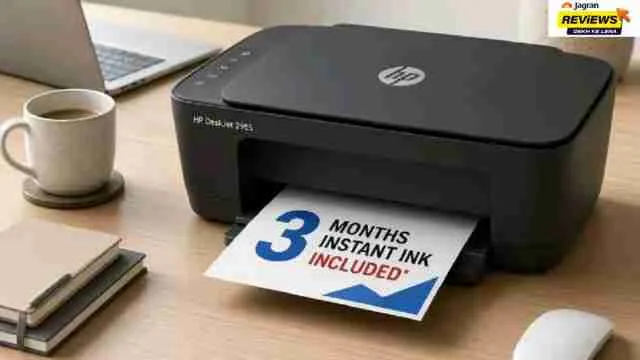
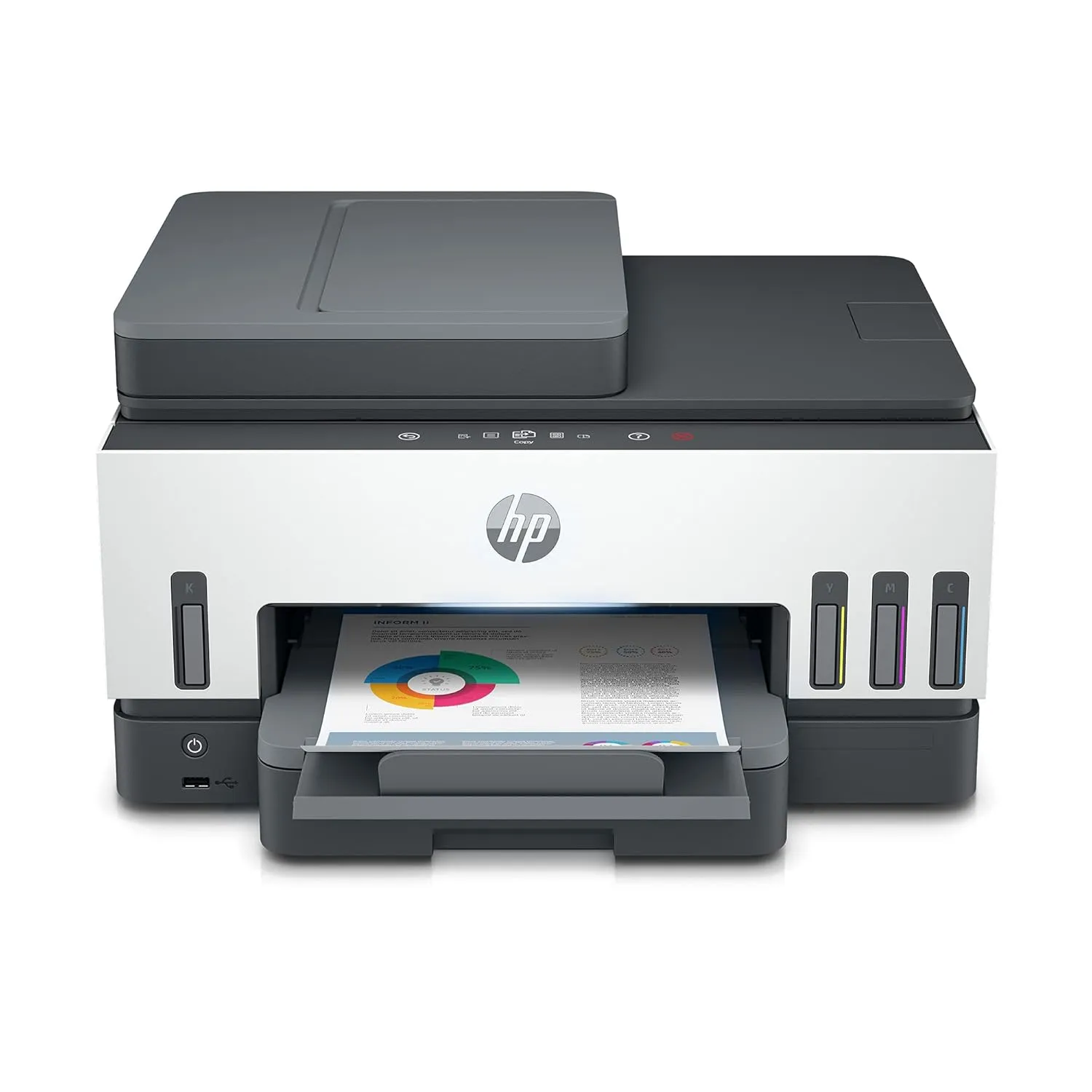
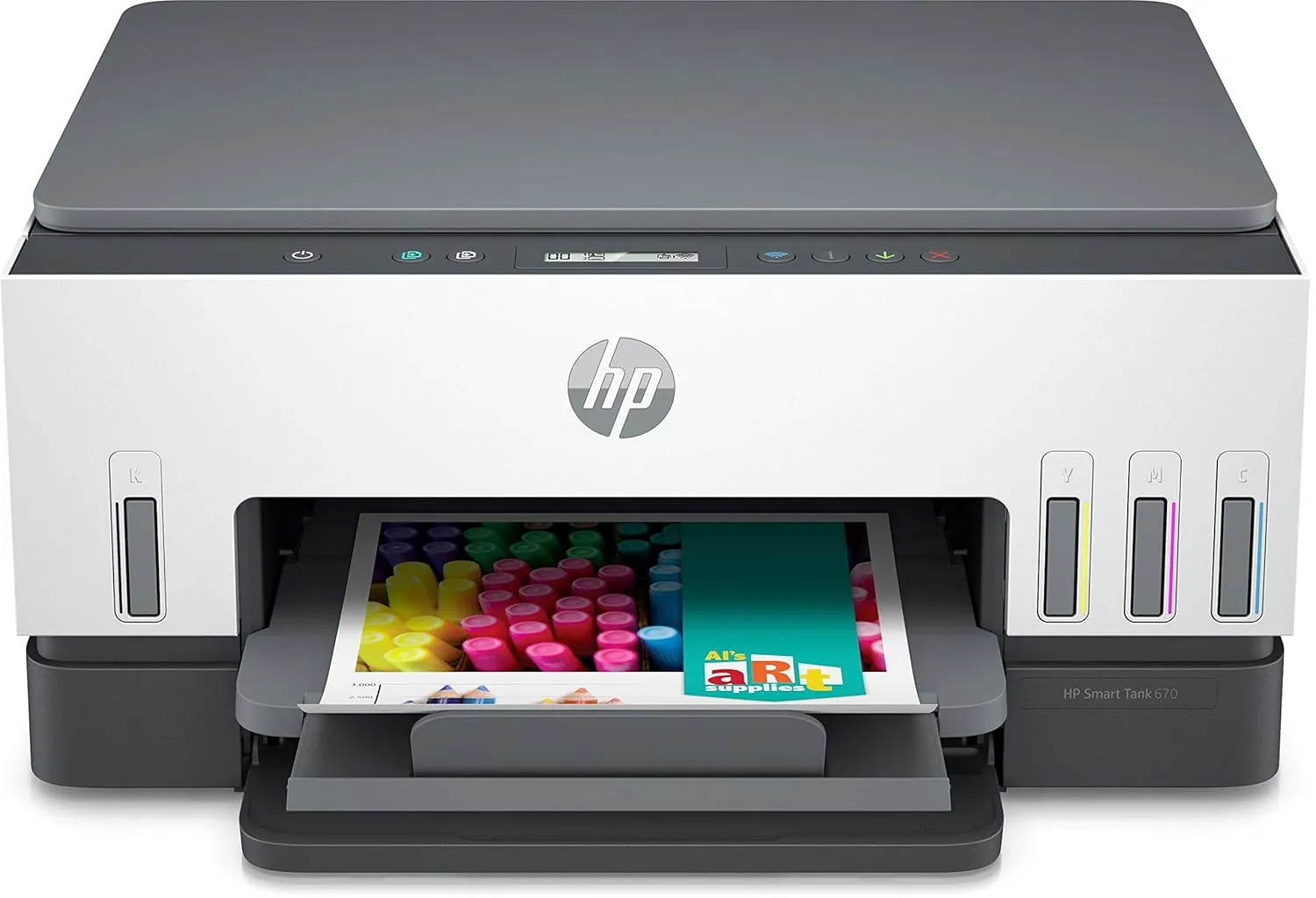
You can set your home to be fully connected with a modern all in one printer that has features like dual band wireless printing, mobile app control and voice command support, which makes a printer a genuine part of your home network setup rather than an afterthought.
If you are building out smart home devices this year, then check out these options worth considering for your connected setup.
To explore more, you can explore the Printers category.
Why Does Your Smart Home Need a Modern HP All-in-One Printer?
A top rated HP printer connects the same way your phone or laptop does, over your home Wi-Fi network which means it can sit in a study and still print something you send from anywhere.
- Print directly from a phone using the HP Smart app.
- Set up scanning that saves straight to cloud storage instead of a USB drive
- Use voice commands through Alexa on select models like the HP Smart Tank 5000
- Monitor ink levels remotely so you are never face the storage of it.
Quick Comparison: 5 Modern HP All-in-One Printers for Connected Smart Homes
HP smart printers can connect properly with home networks, phones and voice assistants which makes them a genuine part of a connected household rather than something plugged in and forgotten in a corner.
Choose according to your requirements and make your home smart.
|
Printer
|
Best For
|
Duplex
|
Connectivity
|
|
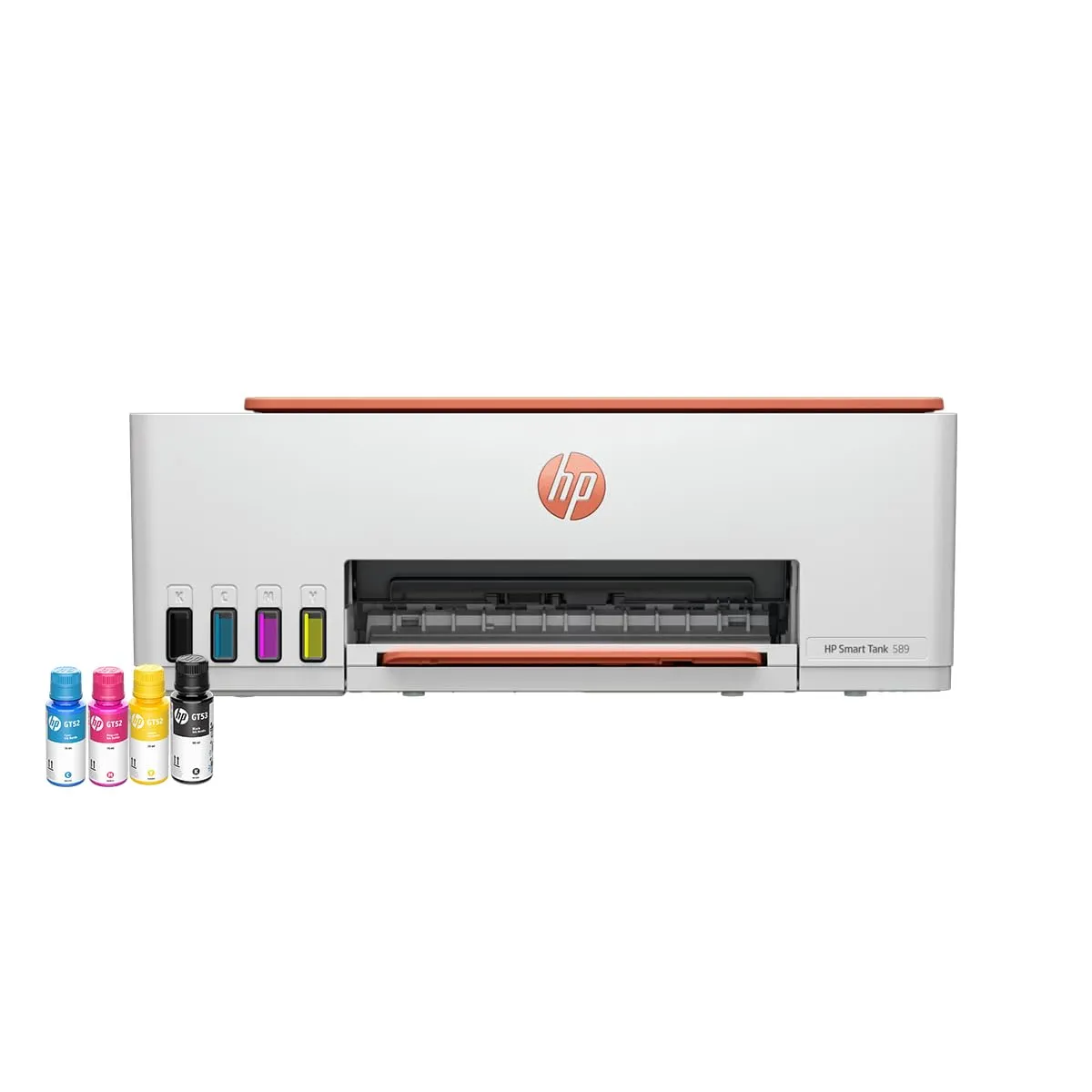
HP Smart Tank 589
|
Everyday home printing
|
Manual
|
Wi-Fi, USB
|
|
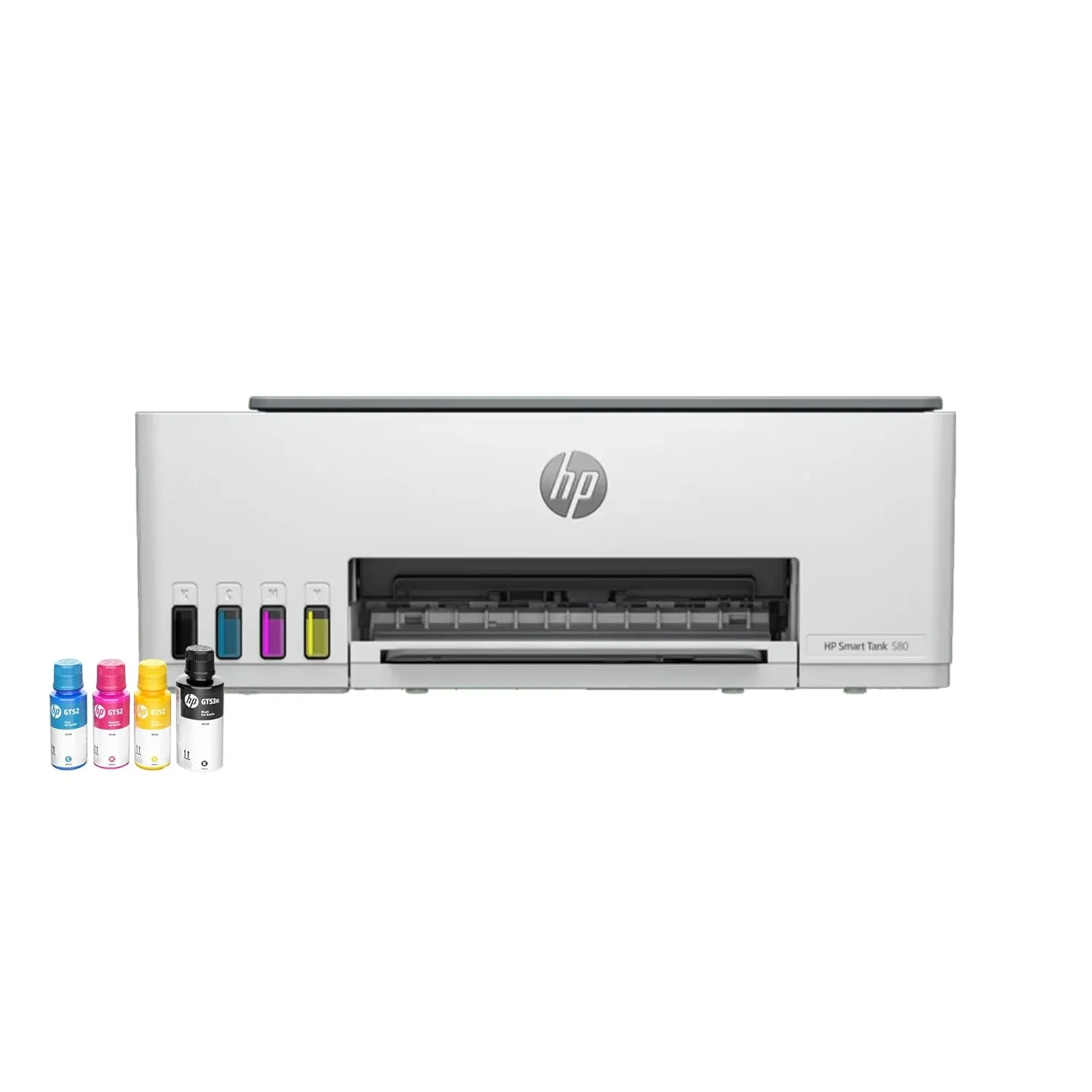
HP Smart Tank 580
|
Mixed household use
|
Manual*
|
Wi-Fi, Bluetooth, USB
|
|
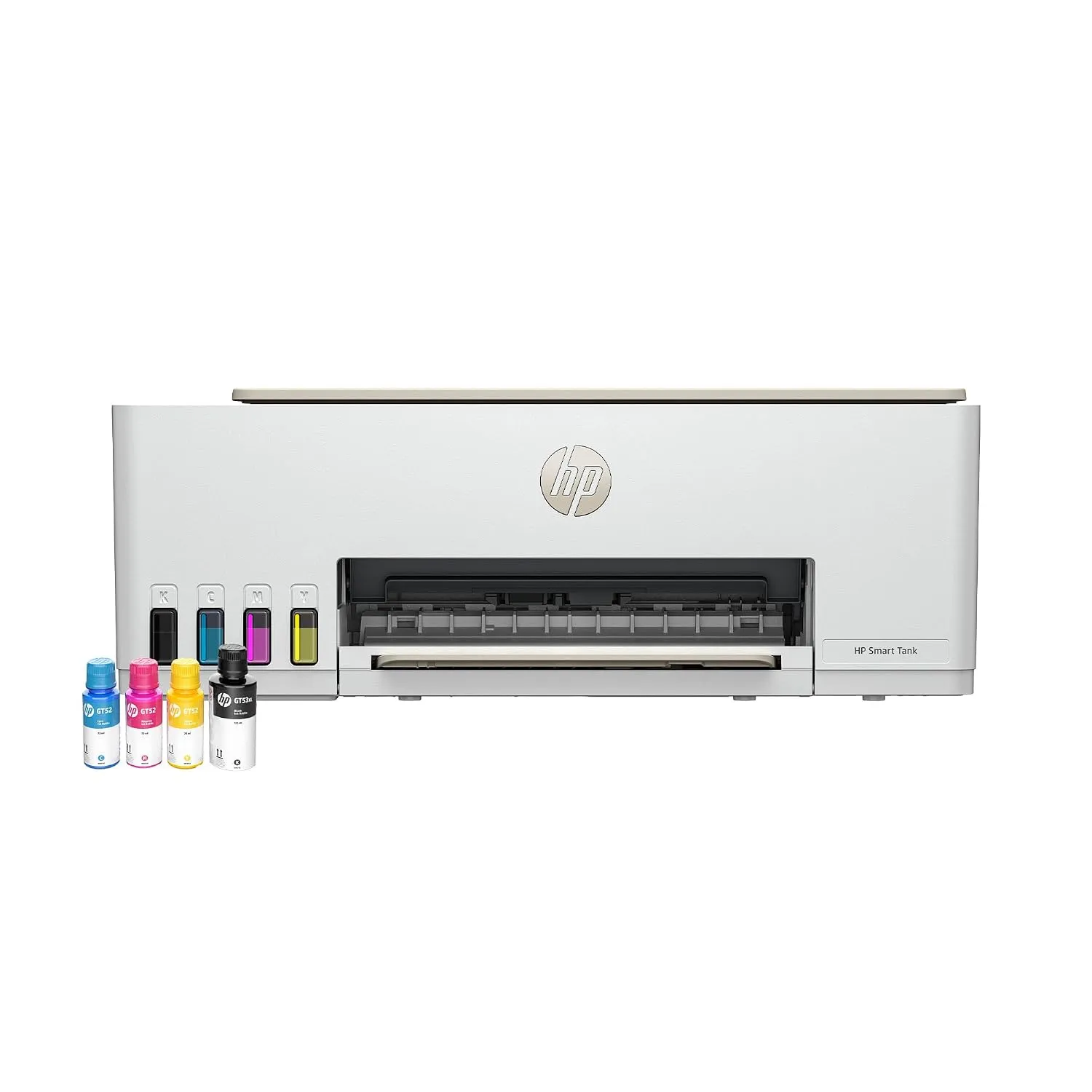
HP Smart Tank 583
|
Borderless photo prints
|
Manual
|
USB
|
|
HP Smart Tank 790
|
Home office style setups
|
Automatic
|
Wi-Fi, Bluetooth LE
|
|
HP Smart Tank 670
|
Regular multi-device homes
|
Automatic
|
Wi-Fi, Bluetooth, Ethernet
|
FAQs
- What makes a printer suitable for a smart home setup?
A printer suited for smart home use connects reliably over Wi-Fi, works with a mobile app for remote printing and scanning and ideally supports voice assistants.
- Which HP printer works best with Alexa or voice assistants?
The HP Smart Tank 5000 supports voice commands through Alexa which let you send print jobs without touching the printer directly.
- Do HP all in one printers need a separate router connection?
No, most modern and best rated printers connect directly to your existing home Wi-Fi network, the same way a phone or laptop does.
Disclaimer: At Jagran Reviews, we prioritize providing up-to-date information on the latest trending commodities and goods. Links in this article are affiliate links. Please note that our product recommendations are based on independent research and analysis however, Jagran Reviews shall not be held liable for any claims, damages, or disputes arising under applicable laws, including the Consumer Protection Act, 2019. Any issues regarding product quality, delivery, or warranties must be directed to the respective manufacturer or seller. Furthermore, the products featured in this article are organized for reader convenience and are listed in no particular order of priority or ranking.